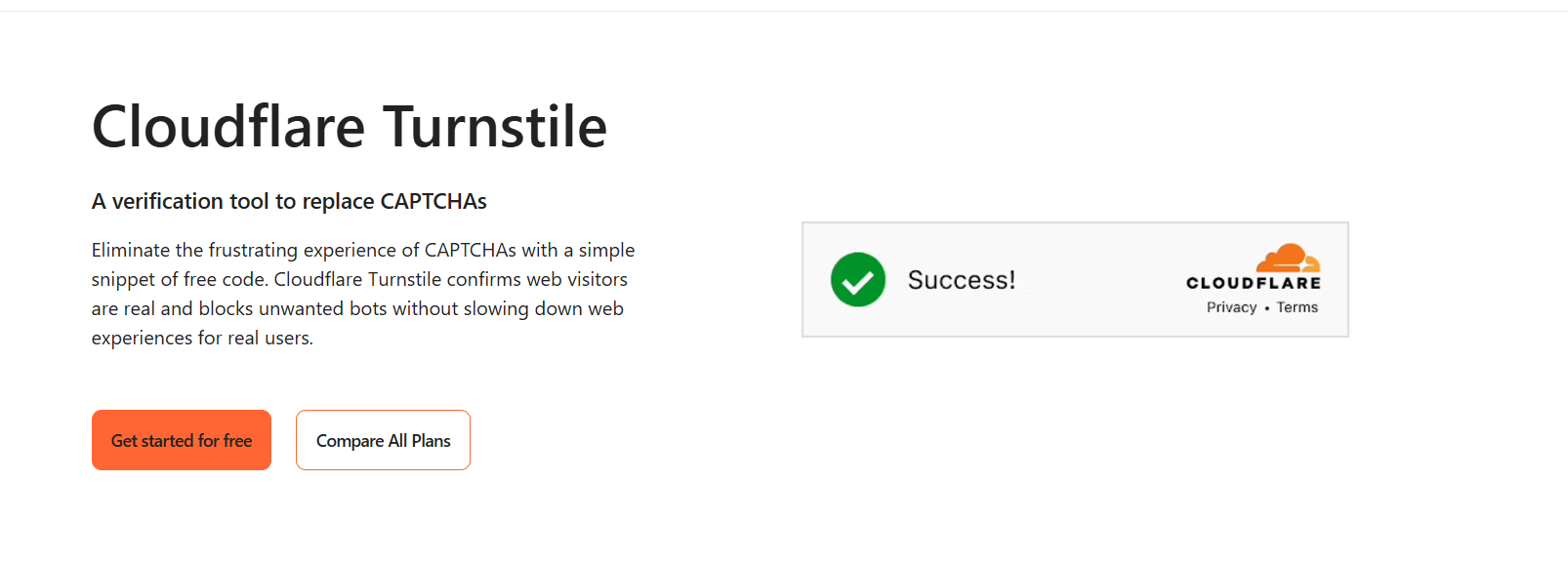
RuiToolAI 需要在注册入口拦截脚本,又不想让用户反复挑红绿灯图片,所以最后接入了 Cloudflare Turnstile。
为什么选 Turnstile
传统验证码方案是 Google reCAPTCHA,但它有几个问题:
- 第三方 Cookie 依赖,隐私争议大
- 加载慢,影响页面性能
- 用户体验差(“点击所有包含红绿灯的图片”)
Turnstile 是 Cloudflare 推出的替代方案:
- 免费,无使用次数限制
- 无感验证,大部分用户不需要做任何操作
- 不追踪用户,不依赖第三方 Cookie
- 与 Cloudflare Workers 生态天然集成
工作原理
Turnstile 在前端注入一个脚本,当用户提交表单时,前端会生成一个 token。后端拿这个 token 调 Cloudflare 的验证 API,返回 success: true/false。
 1
 2
 3
 4
 5
 6
 7
 8
 9
10
11
12
13
14
15
16
17
18
19
20
21
22
23
24
25
26
27
| // src/utils/validate-captcha.ts
interface TurnstileResponse {
success: boolean;
"error-codes"?: string[];
}
export async function validateTurnstileToken(token: string) {
if (!(await isTurnstileEnabled())) {
return true;
}
const response = await fetch(
"https://challenges.cloudflare.com/turnstile/v0/siteverify",
{
method: "POST",
headers: { "Content-Type": "application/json" },
body: JSON.stringify({
secret: process.env.TURNSTILE_SECRET_KEY,
response: token,
}),
}
);
const data = await response.json() as TurnstileResponse;
return data.success;
}
|
集成步骤
1. 获取密钥
在 Cloudflare Dashboard → Turnstile 中添加站点,获取 Site Key(前端)和 Secret Key(后端)。
2. 前端组件
 1
 2
 3
 4
 5
 6
 7
 8
 9
10
11
12
13
14
15
16
17
18
19
20
| // src/components/captcha.tsx
"use client";
import Turnstile from "react-turnstile";
interface CaptchaProps {
onVerify: (token: string) => void;
onError?: () => void;
}
export function Captcha({ onVerify, onError }: CaptchaProps) {
return (
<Turnstile
sitekey={process.env.NEXT_PUBLIC_TURNSTILE_SITE_KEY!}
onVerify={onVerify}
onError={onError}
theme="auto"
/>
);
}
|
3. 在注册表单中使用
 1
 2
 3
 4
 5
 6
 7
 8
 9
10
11
12
| // 注册表单中
const [captchaToken, setCaptchaToken] = useState<string>();
// JSX 中
<Captcha onVerify={setCaptchaToken} />
// 提交时
execute({
email: "...",
password: "...",
captchaToken, // 传给 Server Action
});
|
Feature Flag 控制
Turnstile 通过 Feature Flag 来控制是否启用,这样在开发环境、测试环境都不会触发验证:
1
2
3
4
5
6
7
8
9
| // src/flags.ts
export async function isTurnstileEnabled() {
if (isTestMode()) {
return false;
}
return Boolean(process.env.TURNSTILE_SECRET_KEY);
}
|
逻辑很简单:
- 没有配置
TURNSTILE_SECRET_KEY → 不启用 - 测试模式 → 不启用
- 生产环境 + 有密钥 → 启用
注册流程中的验证
在 Server Action 中,Turnstile 验证放在最前面:
 1
 2
 3
 4
 5
 6
 7
 8
 9
10
11
12
13
14
15
16
17
18
19
20
21
22
23
24
25
| export const signUpAction = actionClient
.inputSchema(signUpSchema)
.action(async ({ parsedInput: input }) => {
return withRateLimit(async () => {
// 1. Turnstile 验证
if (await isTurnstileEnabled()) {
if (!input.captchaToken) {
throw new ActionError("INPUT_PARSE_ERROR",
"Please complete the captcha");
}
const success = await validateTurnstileToken(input.captchaToken);
if (!success) {
throw new ActionError("INPUT_PARSE_ERROR",
"Please complete the captcha");
}
}
// 2. 一次性邮箱检测
await canSignUp({ email: input.email });
// 3. 创建用户
// ...
}, RATE_LIMITS.SIGN_UP);
});
|
验证失败时返回明确的错误信息,前端用 toast 提示用户。
总结
Turnstile 的集成代码不到 50 行。再加上 Feature Flag,本地开发可以关闭验证,生产环境再打开,比在每个表单里单独处理要干净。